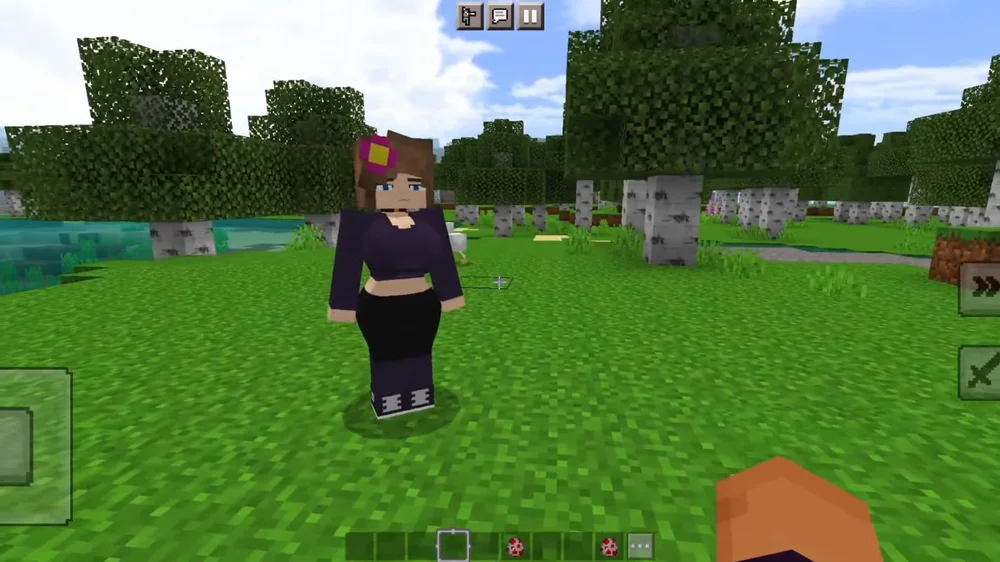
Installing Jenny Mod for Minecraft is a straightforward process that takes just a few minutes. Whether you play on Java Edition or Bedrock Edition, this guide walks you through every step so you can get the mod up and running quickly. All you need is a copy of Minecraft, the correct mod loader, and the Jenny Mod files from the official GitHub repository.
Jenny Mod adds interactive NPC companions, custom animations, and unique gameplay mechanics to your Minecraft world. Before you begin the installation, make sure your game is updated and you have enough free storage space. Follow the step-by-step instructions below for your preferred edition of Minecraft, and you will be exploring Jenny Mod content in no time.
Follow these steps to install Jenny Mod on Minecraft Java Edition using Forge or Fabric as your mod loader.
Visit the official Minecraft Forge or Fabric website and download the installer that matches your Minecraft version. Run the installer and select "Install Client" to set up the mod loading framework. Make sure you have launched vanilla Minecraft at least once before installing the mod loader, as it needs existing game files to complete the setup.
Head over to the official Jenny Mod GitHub releases page and download the latest .jar file. Make sure you pick the version that is compatible with your installed Minecraft and Forge or Fabric version. Save the file somewhere easy to find, like your desktop or downloads folder. Do not extract or unzip the .jar file.
Open your Minecraft installation directory and find the "mods" folder. On Windows, press Win+R and type %appdata%\.minecraft\mods then press Enter. On macOS, navigate to ~/Library/Application Support/minecraft/mods. On Linux, go to ~/.minecraft/mods. If the mods folder does not exist yet, create a new folder named "mods" inside your .minecraft directory.
Copy or move the downloaded Jenny Mod .jar file into the mods folder you located in the previous step. Make sure the file is placed directly inside the mods folder and not inside any subfolder. The .jar file should remain as-is without being extracted. If you have other mods installed, they can stay in the same folder as long as they are compatible with your Minecraft version.
Open the Minecraft Launcher and select the Forge or Fabric profile from the version dropdown at the bottom-left corner. Click "Play" to launch the game. The first launch with mods may take longer than usual as the mod loader initializes all installed mods. Once the game loads, click "Mods" on the main menu to verify that Jenny Mod appears in the list of installed mods.
Create a new singleplayer world and set the game mode to Creative for the best experience when first exploring Jenny Mod. Creative mode gives you access to all items and allows you to interact with the mod features without worrying about survival mechanics. Once inside the world, you can find Jenny and other mod characters to start interacting with them.
Bedrock Edition uses addon packs instead of .jar files. Follow these steps to install Jenny Mod on mobile or Windows devices.
Visit the Jenny Mod GitHub releases page and download the .mcaddon file for Bedrock Edition. This file contains both the behavior pack and resource pack bundled together. Save it to your device's downloads folder where you can easily access it.
Tap or double-click the downloaded .mcaddon file on your device. Minecraft Bedrock Edition should automatically recognize the file format and begin importing the addon. You will see a confirmation message once the import is complete. If the file does not open automatically, try opening Minecraft first and then tapping the .mcaddon file from your file manager.
In Minecraft, go to "Play" and then "Create New World." Give your world a name, then scroll down to find the "Behavior Packs" section. Tap on it and look for the Jenny Mod behavior pack in the "Available" tab. Tap it and select "Activate" to enable it for your new world.
While still in the world creation settings, navigate to the "Resource Packs" section. Find the Jenny Mod resource pack and activate it the same way you activated the behavior pack. Both packs must be enabled for the mod to display correctly with all textures and models. You may also need to enable "Experimental Gameplay" in the world settings.
Tap "Create" to generate your world with Jenny Mod active. The world creation may take slightly longer than usual as Minecraft loads the addon data. Once inside the world, Jenny Mod characters will be available for you to discover and interact with. Enjoy exploring all the features that Jenny Mod brings to your Bedrock Edition experience.
Get the most out of your Jenny Mod experience with these helpful recommendations. Following these tips will ensure smooth gameplay and prevent common issues.
Running into problems? Here are solutions to the most common issues players encounter when installing Jenny Mod for Minecraft.
Make sure the .jar file is placed directly inside the mods folder and not inside a subfolder. Verify that you are launching the game with the Forge or Fabric profile, not the vanilla Minecraft profile. Also check that the file extension is .jar and not .jar.zip or another format, as some browsers rename files during download. Try re-downloading the mod file in case the original download was incomplete or corrupted.
A crash on startup typically means there is a version mismatch between Jenny Mod, your mod loader, and Minecraft. Verify that all three are compatible with each other. Remove all other mods temporarily and test with only Jenny Mod to rule out conflicts. Check your crash log at .minecraft/crash-reports/ for specific error details. Also make sure you have allocated enough RAM in the launcher settings, as at least 4 GB is recommended.
Jenny Mod requires a specific Minecraft version to function properly. Check the mod download page on GitHub to confirm which Minecraft version is supported. Make sure your Forge or Fabric version also matches the required Minecraft version. If you installed the wrong version, delete the .jar file from your mods folder, download the correct one from the GitHub releases page, and try again.
Performance issues are usually caused by insufficient RAM allocation or graphics settings that are too high. Open the Minecraft Launcher, go to Installations, edit your Forge or Fabric profile, and increase the allocated RAM to at least 4 GB using the JVM argument -Xmx4G. Lower your render distance to 8-12 chunks and reduce graphics quality settings. Installing OptiFine alongside Jenny Mod can also significantly improve performance.
Make sure Minecraft Bedrock Edition is installed and fully updated on your device. On Android, use a file manager app to open the .mcaddon file and select Minecraft as the target application. On iOS, open the file from the Files app and choose "Open in Minecraft." If the import still fails, try renaming the file extension from .mcaddon to .zip, extracting the contents, and manually placing the behavior and resource packs in the appropriate Minecraft directories.
Now that you know how to install Jenny Mod for Minecraft, download the latest version and start your adventure today.
Download Jenny Mod Now